
Walkthrough: from divergent outputs to an informed choice to guided refinement
An example task shown step by step. It illustrates the workflow; it is not a customer story or a measured result.
Code assistants often force a binary accept/reject decision with limited transparency. Different models produce divergent solutions and verification shifts to humans.
- • Pick an output with evidence
- • Understand trade-offs beyond correctness
- • Improve weak dimensions without guessy prompting
Task: calculate gender distribution by country, create a bar chart, and save as distribution.png.
The comparison view summarizes each model solution into functional blocks, making divergence visible without line-by-line scanning.
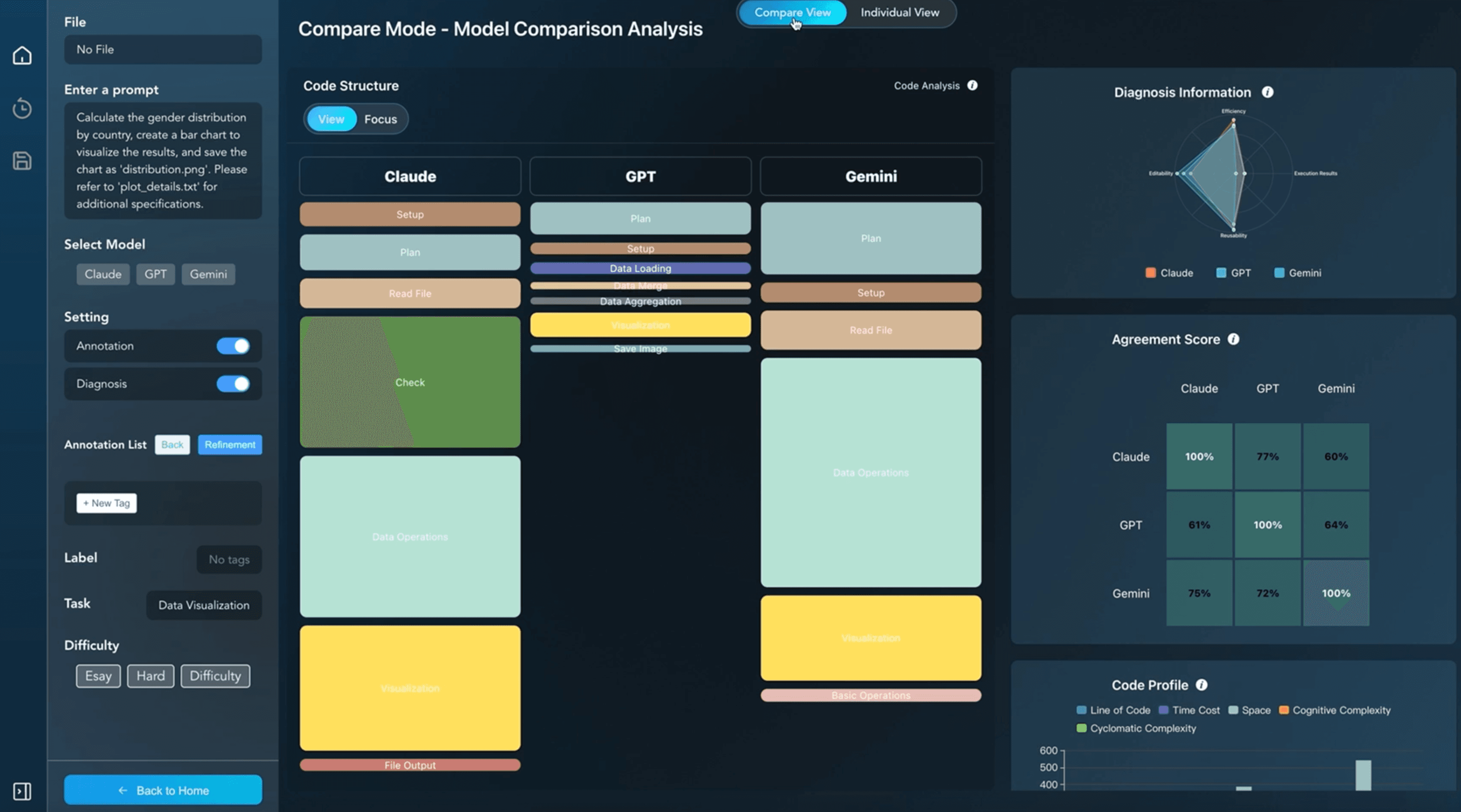
Users inspect diagnostics to understand why a solution is risky: execution signals, efficiency indicators, and maintainability cues.
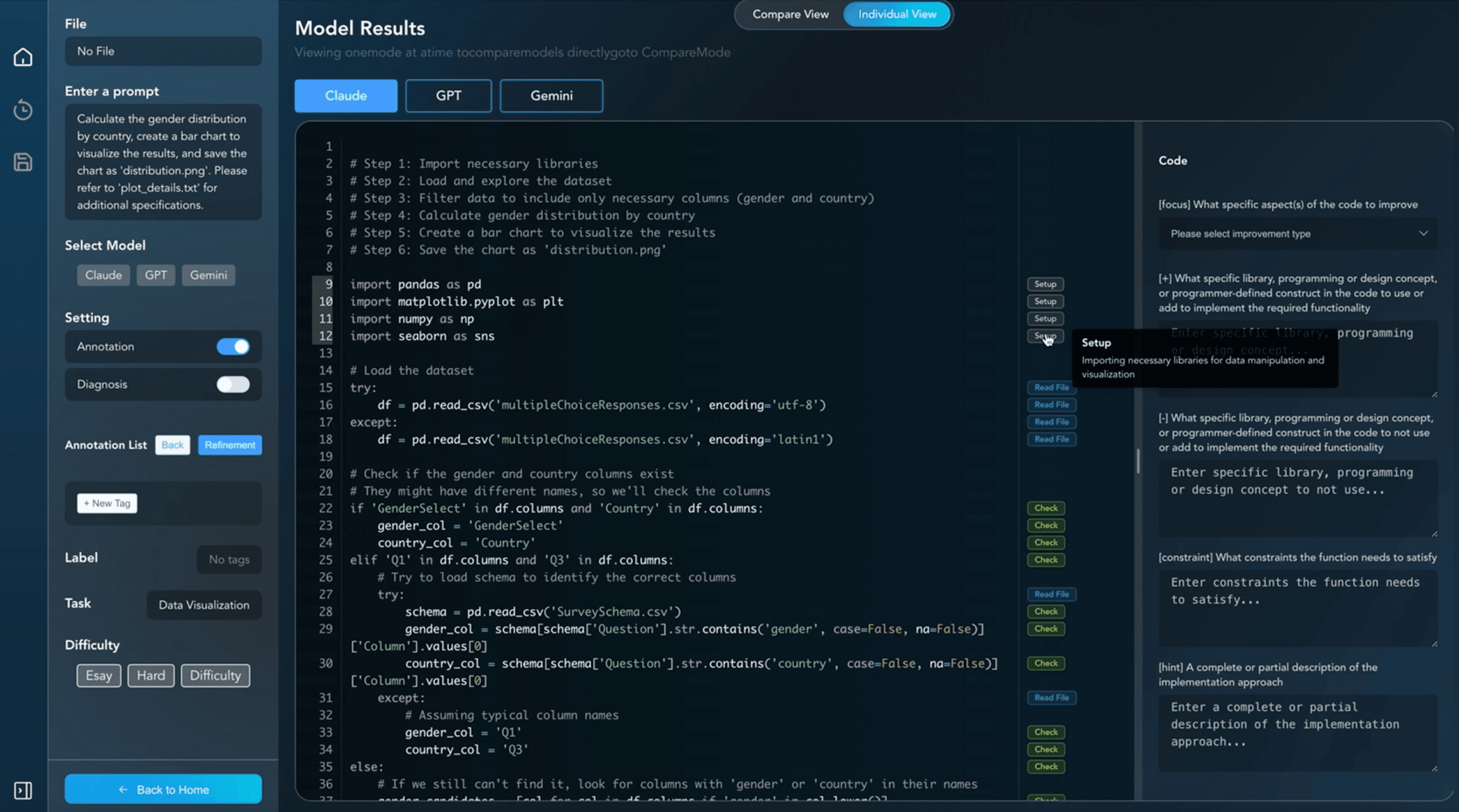
Guided refinement helps translate feedback into concrete edits. Users review diffs and keep control over accepting or reverting changes.
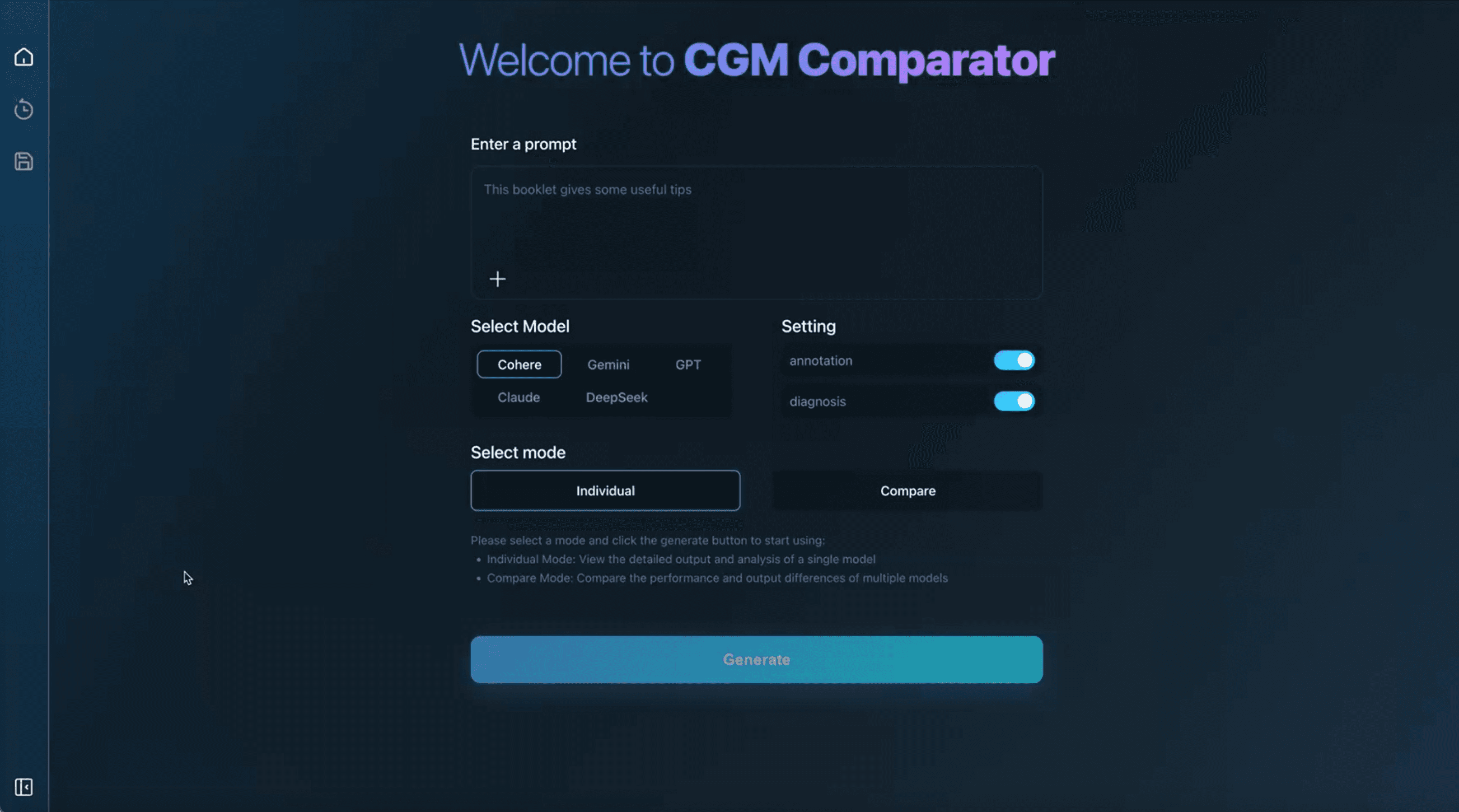
The same loop applies to any task: compare structure, read the evidence, refine with guidance, and keep the history of attempts.
- • Differences are visible without reading every line
- • Choices rest on execution results, not impressions
- • Refinements are re-checked the same way